
On this page
How they compare
| Smart TV apps | Streaming stick or box | |
|---|---|---|
| App choice | Depends on the TV’s platform; often fewer IPTV players | Google Play or the Amazon Appstore; widest choice |
| Speed | Often slower, especially on older or budget TVs | Faster processors, easy to replace |
| Updates | Apps can be withdrawn on older models | Regular updates for several years |
| Picture | No extra device in the chain | Excellent on 4K models; frame-rate matching |
| Cost | Already paid for | An extra purchase, usually far cheaper than a new TV |
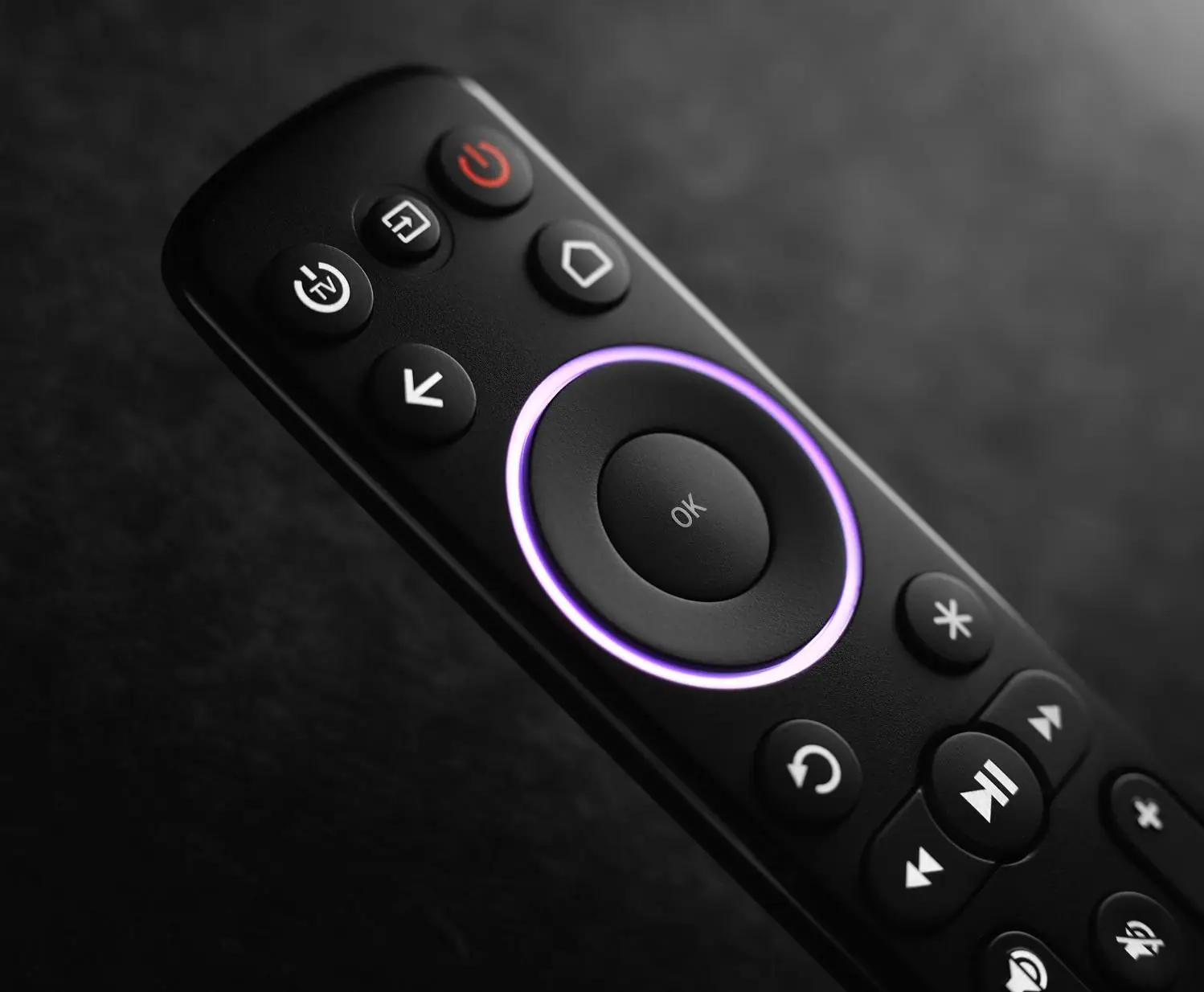
| Convenience | One remote | Another remote, though HDMI-CEC often lets one remote do both |
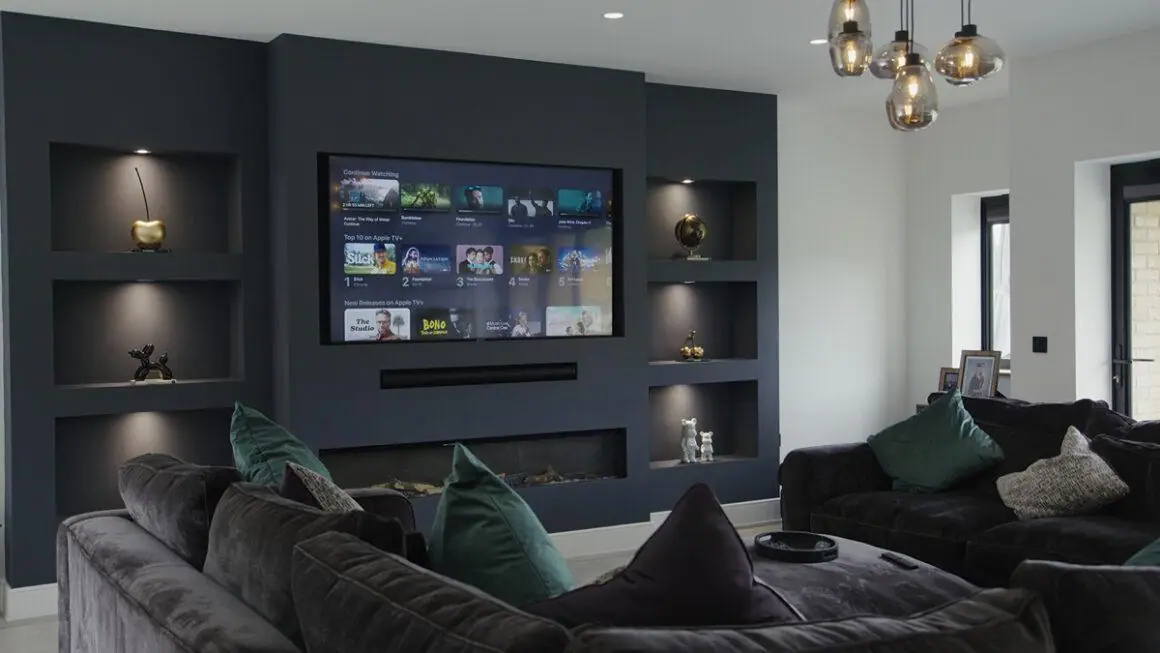
When your TV’s own apps are enough
- The TV is recent (roughly the last three or four years) and menus feel quick.
- Its store offers a well-reviewed IPTV player that supports your login. See smart TV guide.
- You are happy with a simple guide and do not need recording.
When a stick is the better buy
- The TV is older, slow or missing the app you want.
- You want TiviMate, which only runs on Android-based TV devices.
- You want the same app and layout on every TV in the house.
- Your TV is far from the router and the stick can use an Ethernet adapter.
Our best devices for IPTV article recommends specific models.
A practical test
Install the IPTV player on your TV and try it for an evening: scroll the guide, change channels quickly and watch a busy programme. If it feels sluggish, a stick will feel like a new TV. If it is smooth, keep it simple and save your money.
How long do smart TV apps stay supported?
TV makers update their platforms for a limited number of years, and app developers eventually stop supporting older versions. A TV can be perfectly good as a screen long after its apps start to lag or disappear. A stick is a cheap way to give an older TV current apps without replacing the TV.
Setting up a stick neatly
- Use the HDMI extender if one is supplied, so the stick sits in open air and gets better Wi-Fi.
- Power it from the supplied mains adapter rather than the TV’s USB port, which may not give enough power.
- Turn on HDMI-CEC on the TV so one remote can do most things.
- Consider an Ethernet adapter if the router is close by.
Frequently asked questions
Is a Fire Stick better than a smart TV?
Often, yes, for speed and app choice, especially on TVs more than a few years old. On a recent, fast smart TV with a good player, the difference is small.
Do streaming sticks give a better picture?
A good 4K stick can match or beat built-in apps, particularly with frame-rate matching for sport. The TV panel still decides the overall picture quality.
Can I control a stick with my TV remote?
Often, through HDMI-CEC, which most TVs and sticks support. Basic navigation works; some features need the stick’s own remote.
