

Part of our IPTV Guide section.
On this page
Resolutions at a glance
| Format | Resolution | Typical streaming bitrate | Suggested broadband per screen |
|---|---|---|---|
| SD | 720 × 576 | 1.5–3 Mbps | 5 Mbps |
| HD (720p) | 1280 × 720 | 3–5 Mbps | 8 Mbps |
| Full HD (1080p) | 1920 × 1080 | 5–8 Mbps | 10 Mbps |
| 4K Ultra HD | 3840 × 2160 | 15–25 Mbps | 25 Mbps |
| 8K | 7680 × 4320 | 50 Mbps and up | Little or no content |
Bitrates vary with the codec and the type of programme. Fast sport needs more data than a studio chat show, which is why some streams look softer during action.
When 4K makes a visible difference
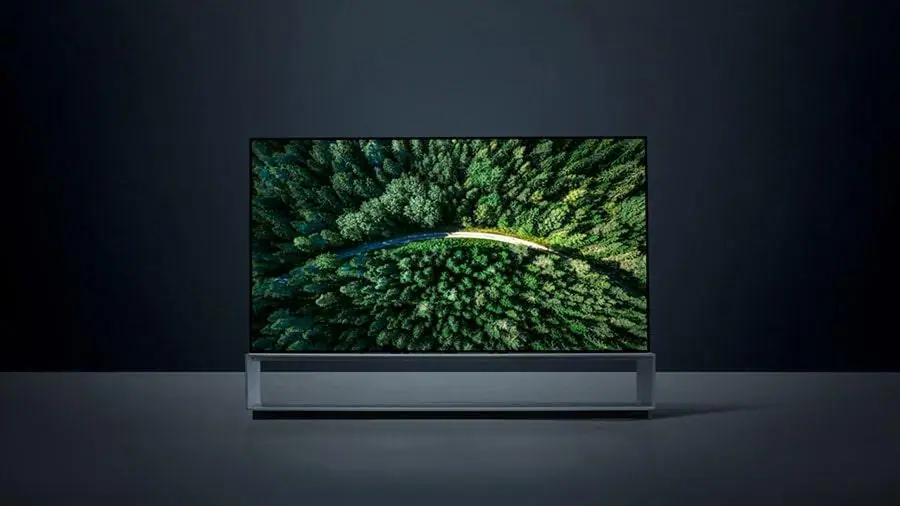
Four times the pixels does not mean four times the detail on your sofa. The benefit of 4K depends on screen size and distance: on a 55-inch TV you will see it clearly from around two metres, while on a 43-inch set viewed from across a large room the difference is small.
What most people notice first is not resolution but HDR (high dynamic range), which gives brighter highlights and richer colour. In the UK, 4K programmes often use HDR10, Dolby Vision or HLG, the format the BBC uses for live 4K. A good 1080p stream with clean motion can look better than a starved 4K one.
What you need for 4K streaming
- A 4K TV, ideally with HDR, and its picture mode set to "Filmmaker", "Movie" or similar rather than "Vivid".
- A 4K-capable device that decodes HEVC (and ideally AV1): a recent smart TV, a Fire TV Stick 4K, an Apple TV 4K or a 4K Google TV device. Plug it into an HDMI port that supports 4K at 60 Hz with HDCP 2.2 or later.
- Around 25 Mbps per 4K screen, stable through the evening. A wired connection helps most. See our internet speed guide.
- A 4K source: the channel or programme must actually be produced and delivered in 4K. Many live channels are still broadcast in HD.
Our 4K plan page explains how 4K IPTV works with these requirements, and our article is your TV really showing 4K? shows how to check.
Frame rate matters for sport
UK broadcasts run at 50 frames per second (or 50 fields for interlaced HD). Sport looks smoothest when the whole chain keeps that rate. If motion looks jerky, check that your device is not converting to 60 Hz: many streaming devices offer a "match frame rate" setting that fixes this.
What about 8K?
Data use per hour
On unlimited home broadband this does not matter, but on mobile data or a capped plan it does. As a guide, SD uses under 1 GB an hour, HD around 1.5 to 3 GB and 4K around 7 GB or more. Switching a phone or tablet to HD or SD when you are away from home saves a lot of data.
Frequently asked questions
Is 4K worth it for IPTV?
Yes if you have a 4K TV of 50 inches or more, a 4K-capable device and around 25 Mbps per screen. On smaller TVs, slower lines or busy household networks, a stable HD stream often looks better.
Why does my 4K stream look soft?
The source may be HD, your connection may have dropped to a lower quality level, or the device may not support the codec. Our 4K checklist walks through each cause.
Does HD use less broadband than 4K?
Much less: roughly 10 Mbps per Full HD screen against about 25 Mbps for 4K. HD is the safer choice when several people stream at the same time.
