

Part of our Devices section.
On this page
Step one: find out which system your TV runs
Smart TVs sold in the UK use a handful of platforms. The platform decides which apps you can install, so check it first under Settings → Support → About this TV (or similar).
| Platform | Found on | IPTV guide |
|---|---|---|
| Tizen | Samsung | Samsung TV guide |
| webOS | LG (and some other brands) | LG TV guide |
| Google TV / Android TV | Sony, Philips, TCL, Hisense (some) and others | Android TV guide |
| Fire TV built in | Some Toshiba, JVC and Panasonic models | Fire TV guide |
| VIDAA | Many Hisense models | Limited players; a stick is often easier |
| Roku TV | Roku-powered TVs | Very limited; see the devices hub |
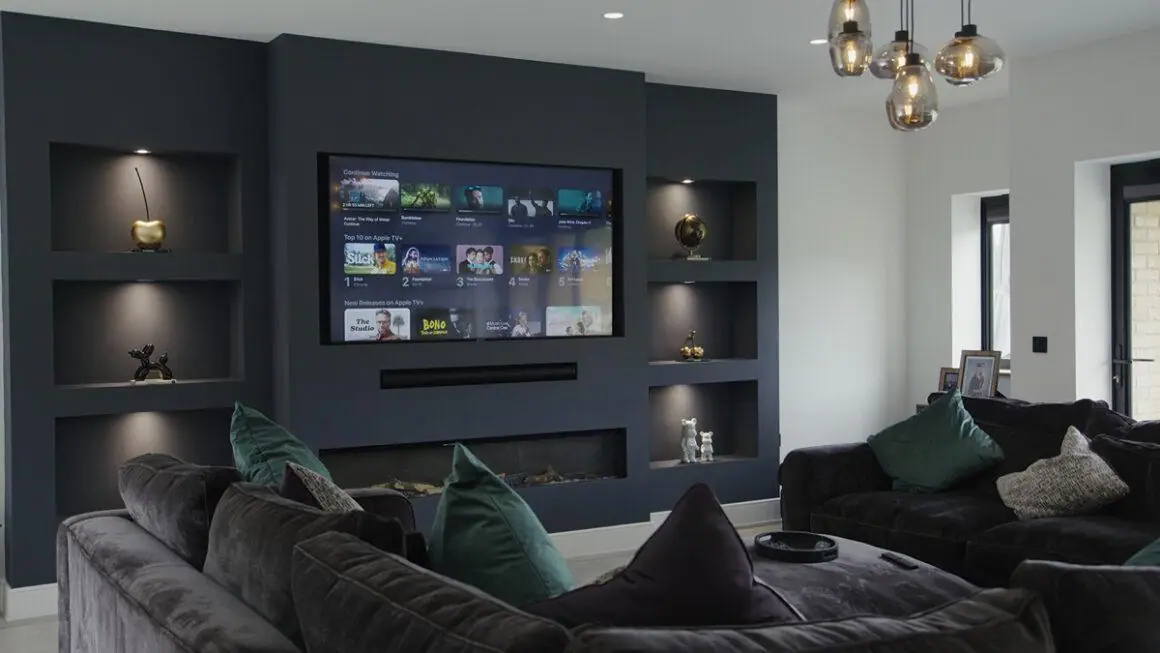
Installing a player app on a smart TV
- Open your TV’s app store (Apps, Content Store, Google Play or Appstore) and search for "IPTV".
- Choose a well-reviewed player that supports your login type: Xtream Codes or M3U. See player apps compared.
- Install and open it. Some TV players show a device ID or MAC address and ask you to add your playlist on the developer’s website; others let you type your login straight in.
- Enter the details we send you, then add the programme guide link if your app asks for it. See EPG setup.
- Test a few channels, then set your favourites.
Sky Glass and Sky Stream
Sky Glass is a smart TV, but it runs Sky’s own Entertainment OS and only offers the apps Sky includes. Third-party IPTV players cannot be installed, and there is no safe way to "sideload" them. If you want to use an IPTV player on Sky Glass, plug a Fire TV Stick, Google TV device or Apple TV into one of its HDMI ports. The same applies to the Sky Stream puck.
Be wary of videos or forums offering "Sky Glass IPTV codes": they usually point to unofficial apps for unlicensed services.
When a streaming stick is the better choice
- Your TV is more than five or six years old and apps load slowly or have been withdrawn from its store.
- The player you want is not available for your TV’s platform.
- You want features such as recording or advanced guides, which are richer on Android-based apps.
- You would like the same app on every TV in the house.
Our article smart TV or streaming stick? weighs this up in detail.
Picture settings that make a difference
Switch the picture mode to Filmmaker, Movie or Cinema for films and dramas, and consider a Sport mode or motion smoothing for live sport. Turn off energy-saving modes that dim the screen. For an external stick or box, enable the TV’s enhanced HDMI setting (Samsung calls it Input Signal Plus; LG calls it HDMI Ultra HD Deep Colour) so 4K HDR passes through.
Frequently asked questions
Can I watch IPTV on any smart TV?
On most of them, through a player app from the TV’s store. Roku TVs, Sky Glass and some budget platforms are the main exceptions; a streaming stick solves that.
Which app should I use on my smart TV?
One that is available for your TV’s platform, supports Xtream Codes or M3U logins and has recent updates. Our player apps guide compares the main options.
Why is my smart TV app so slow?
TV processors are often modest, especially on older or budget sets. Clearing the app cache, restarting the TV fully or using a streaming stick usually fixes it.
