
Part of our Devices section.
On this page
Android TV, Google TV and "Android boxes"
Android TV is Google’s operating system for televisions and set-top boxes. Google TV is its newer interface, found on the Google TV Streamer (which replaced the Chromecast with Google TV in 2024) and on many Sony, Philips, TCL and Hisense TVs. Both include the Google Play Store.
Many cheap "Android boxes" are different: they run a phone version of Android without Google certification, may lack the Play Store and rarely receive updates. Some are sold "fully loaded" with unlicensed add-ons, which is illegal. Read dodgy boxes explained.
Choosing the best Android TV box for IPTV
| Feature | Why it matters | Aim for |
|---|---|---|
| Google certification | Play Store access, security updates, a stable system | Android TV or Google TV branding |
| Ethernet port | The most stable connection for live streams | Built-in Gigabit Ethernet, or an official adapter |
| Memory and processor | Fast guides, quick channel changes, smooth 4K | 2 GB RAM or more; 3 GB or more for heavy apps |
| Codecs | HEVC for 4K; AV1 for newer services | HEVC essential, AV1 a bonus |
| Storage | Apps, caches and recordings | 16 GB or more, plus USB for recordings |
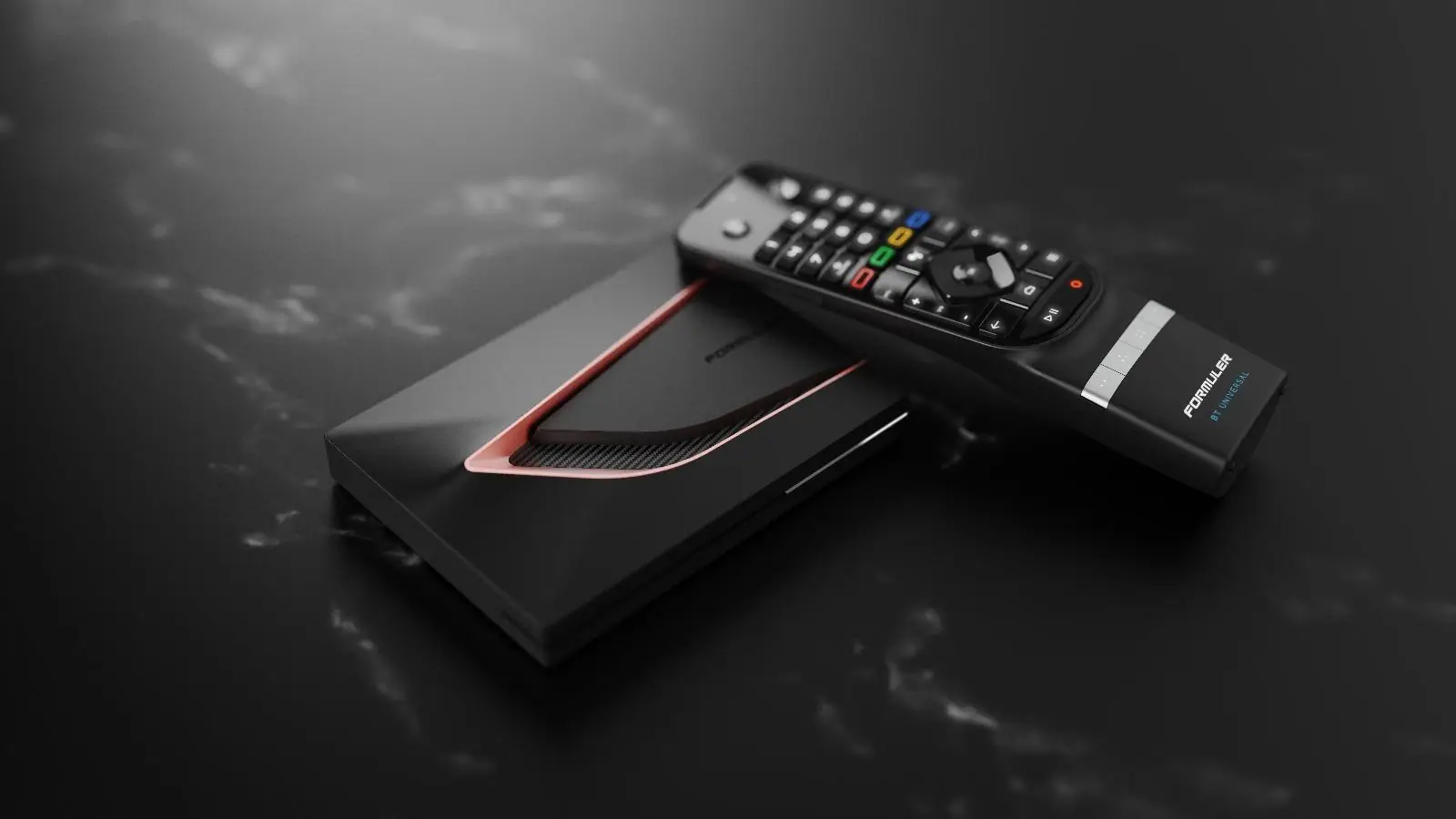
Popular choices in the UK include the Google TV Streamer, the NVIDIA Shield TV, known for its power and long software support, and Formuler boxes built specifically for IPTV. For a ranked look across all platforms, see best devices for IPTV.
Setting up IPTV on Android TV or Google TV
- Connect the box to your TV and, ideally, to your router with an Ethernet cable.
- Sign in with a Google account and install system updates.
- Open Google Play and install a player: TiviMate, IPTV Smarters or VLC.
- Open the player and add your login: Xtream Codes or an M3U link. See Xtream Codes.
- Add the EPG link and let the guide load. See EPG setup.
- Optional: in Display settings, turn on frame-rate matching if your device offers it, for smoother sport.
Chromecast, casting and NVIDIA Shield
An older Chromecast without a remote cannot run apps itself: you cast from an app on your phone, and only if that app supports Chromecast. The Chromecast with Google TV and the Google TV Streamer run apps directly, so they work like any Android TV box.
The NVIDIA Shield TV remains a favourite for IPTV thanks to its fast processor and AI upscaling of HD to 4K. It is pricier than a stick but very responsive with heavy guides.
Installing apps from outside Google Play
Frequently asked questions
What is the best Android box for IPTV?
A Google-certified device with Ethernet, at least 2 GB of RAM and HEVC support. The Google TV Streamer, NVIDIA Shield TV and Formuler IPTV boxes are popular, well-supported choices.
Can I use TiviMate on Android TV?
Yes. TiviMate is designed for Android TV and Google TV and is installed from Google Play. Advanced features need its Premium upgrade. See our TiviMate guide.
Does IPTV work on Chromecast?
On the Chromecast with Google TV and Google TV Streamer, yes, using apps from Google Play. Older Chromecasts only receive streams cast from a phone app that supports casting.
